
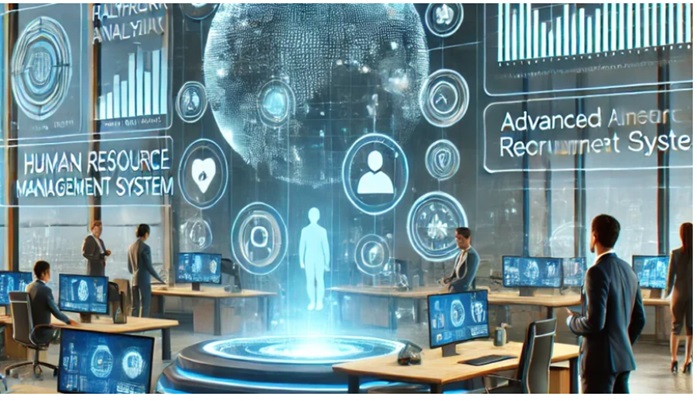
HRMS Globex is a comprehensive human resource management system designed to streamline HR processes for organizations of various sizes. It integrates payroll, attendance, recruitment, and employee management into a single platform, helping businesses improve efficiency and reduce manual tasks.
The system offers real-time data access and analytics, enabling HR teams to make informed decisions quickly. Its user-friendly interface supports better communication and collaboration across departments.
By automating routine HR functions, HRMS Globex allows companies to focus more on strategic initiatives. This makes it a practical tool for enhancing overall workforce management.
Understanding HRMS Globex
HRMS Globex offers tailored tools for managing workforce data, attendance, and payroll efficiently. It simplifies how companies handle employee lifecycle activities and adapts to different organizational needs. The platform connects with other business applications to maintain seamless data flow.
Key Features of HRMS Globex
HRMS Globex includes modules for recruitment, time tracking, payroll processing, and performance management. Its user-friendly dashboard provides real-time analytics and customizable reports. The system supports multi-location management with role-based access controls for improved security.
It uses automation to reduce manual entry, particularly in leave approvals and salary calculations. The software is cloud-based, allowing access from multiple devices and ensuring data updates are instantaneous across platforms. Custom workflows are available to fit specific business rules.
How HRMS Globex Streamlines HR Processes
HRMS Globex centralizes employee information, making record-keeping more organized and accessible. It automates routine tasks like attendance tracking and benefits administration, reducing administrative overhead.
The platform sends alerts for compliance deadlines and employee milestones, supporting timely HR actions. Self-service portals empower employees to update personal data and manage leave requests without direct HR involvement, improving response times.
Integration with Other Enterprise Tools
HRMS Globex integrates with popular accounting software, payroll systems, and project management tools via open APIs. This connectivity enables synchronized data transfers, minimizing errors caused by manual input.
It supports single sign-on (SSO) with enterprise identity providers, enhancing security while simplifying user access. Integration with communication platforms facilitates real-time updates and notifications, improving collaboration between HR and other departments.
Implementing HRMS Globex in Your Organization
Successful implementation requires careful planning around system deployment and ensuring users can efficiently operate the platform. Key actions involve selecting the right deployment approach and providing thorough training and support.
Best Practices for Deployment
Organizations should begin by assessing their current HR processes and data readiness before initiating deployment. This reduces data migration errors and minimizes downtime.
A phased rollout is recommended. It allows teams to adapt gradually and address issues early. Critical modules like payroll and attendance may go live first, followed by performance management and recruitment.
Regular communication with IT and HR teams ensures alignment on timelines and technical requirements. Security settings must be configured to match company policies.
Documenting workflows and system configurations aids future troubleshooting and updates. Finally, scheduling backup procedures during implementation protects against data loss.
User Training and Support
Effective user training focuses on role-specific tasks rather than broad system features. Customized training sessions improve adoption rates and reduce support calls.
Training materials should include step-by-step guides, video tutorials, and frequently asked questions tailored to user groups like HR staff and managers. Hands-on practice sessions help reinforce learning.
Post-implementation, a dedicated support team must be available to respond quickly to user issues. Tracking common problems through a helpdesk system guides future training improvements.
Feedback loops between users and administrators are essential to refine the system and address usability gaps promptly. Clear communication channels encourage users to report difficulties early.